

 Reading Time: 9 min
Reading Time: 9 min
Reading Time: 9 min
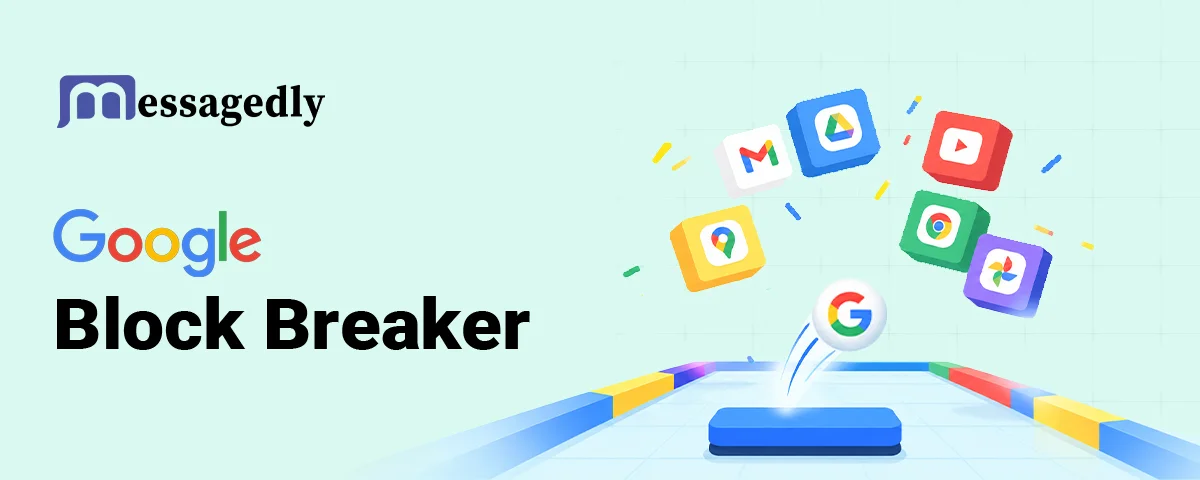
Somewhere between answering a customer message and opening your next tab, you typed two words into Google and a game appeared. That is how most people discover Google Block Breaker: not through an app store, but by accident, right inside the search results. One tap on Play and a paddle, a ball, and four rows of coloured blocks fill the screen.
This guide covers everything you need to get good at it. You will learn how to open the game on any device, what the rules actually are, what every power-up symbol does, how the daily challenge works, and a few habits that separate a 900-point run from a 9,000-point one. Short on time? Skip straight to the power-up table.
What Is Google Block Breaker?
It is a Breakout-style arcade game built directly into Google Search. Google added it quietly on 29 January 2025, and 9to5Google and Android Authority covered it within a day. Worldwide interest in the search term hit its all-time peak that same week, with a second, smaller spike in late August 2025, according to Google Trends. Even after the launch buzz faded, keyword data from DataForSEO (US, October 2026) puts the term at roughly 550,000 searches a month, averaged over the past year. There is no download, no account, and no price tag.
The design is pure Google. The blocks come in the company’s four colours: blue, red, yellow and green. You control a paddle at the bottom of the screen, bounce a single ball upward and clear the rows above you. Clear them all and four fresh rows drop in. Lose the ball three times and the run ends. It is the spiritual successor to the Atari Breakout easter egg that Google added to Image Search on 13 May 2013 for the game’s 37th anniversary (TechCrunch) and later retired. The original Breakout dates to 1976, and Steve Wozniak and Steve Jobs worked on its hardware before they founded Apple.
One point of confusion is worth clearing up early. A huge number of people search for Google Doodle Block Breaker, assuming the game lives in Google’s Doodle archive next to the Pac-Man and Halloween games. It does not. Doodles appear on the Google homepage for a day or a week and then move to the archive. This game is a permanent easter egg in regular Search, part of the same family as Google Snake, Tic Tac Toe, Minesweeper, and Solitaire. If you have been scrolling the Doodle archive looking for it, that is why.
How to Open the Game on Desktop and Mobile
Opening it takes about ten seconds:
- Go to google.com in any browser, or open the Google app on Android or iOS.
- Type block breaker into the search box and hit Enter. The exact wording does not matter much; block breaker Google Doodle, “Google block game,” and similar phrases bring up the same card for most people.
- A large game tile appears at the top of the results with two buttons: Play and Daily challenge.
- Tap Play. The game opens in a full-screen view.
- On desktop, press the up arrow to launch the ball. On mobile, tap the screen.
If the card does not show up, the usual culprits are region restrictions, a non-English Google domain, or a work network that filters search features. Try switching to google.com directly, changing your search language to English, or using the Google app instead of a browser. There is no official standalone URL, so bookmark the search itself if you plan to come back.
Controls
The controls are deliberately minimal, which is why the game is so easy to pick up.
On desktop, the left and right arrow keys move the paddle. The up arrow launches the ball at the start of a round and again after you lose a life. You can enlarge the game window using the square icon in the top-right corner, which makes the paddle much easier to track.
On mobile, drag your finger across the screen to move the paddle, or tap on either side of it to nudge it in that direction. Dragging gives you finer control; tapping is faster for emergency saves.
Sound is muted by default. A small speaker icon turns on the hit and break effects, and many players find the audio cue makes timing bounces noticeably easier.
The Rules
The rules fit on an index card, but a few details matter more than they look.
- You start with three lives. Each time the ball falls past the paddle, you lose one. When the third is gone, the run ends and your score is recorded.
- Blocks have different strengths. Some break in one hit. Others take two or more and usually look slightly different, so learn to spot them, and you will stop wasting hits.
- Rows keep coming. Every time you clear the field, four new rows appear. There is no final level; the game simply gets denser and faster the longer you survive.
- Score is shown at the top. Each broken block adds points, and some power-ups multiply your output by putting more balls in play at once.
- The angle depends on where the ball hits the paddle. Like every block breaker game before it, a hit near the centre sends the ball straight up, while a hit near an edge sends it off at a sharp angle. This one rule is the foundation of every high score.
- Your best score is saved. The game remembers your high score in your browser, so you can chase your own record across sessions. A run in progress is not saved; if you close the tab, that game is over.
Power-Ups and What Each Symbol Means
Power-ups drop from certain blocks when you break them and float toward the bottom of the screen. Catch one with the paddle to activate it. This is where most new players get confused, because the symbols are small and not every drop is good for you.
| Symbol | What it does | Worth catching? |
| Extra balls (multi-ball) | Adds more balls to the field at once | Always. It is the single biggest score booster in the game. |
| Longer paddle | Widens your paddle for a limited time | Yes, especially when the field is crowded. |
| Dual blasters | Mounts two cannons on the paddle that fire upward, Space Invaders style | Yes. Ideal for picking off stubborn multi-hit blocks. |
| TNT | Marks an explosive block; breaking it clears the blocks around it | Yes. Aim for TNT blocks deliberately. |
| Extra life | Adds one life to your counter | Always. Lives are the real currency here. |
| Penalty drops | Players report a few drops that shrink the paddle or speed up the ball | No. Let these fall through. |
Google has not published an official list, so treat the penalty row as community knowledge. The reliable tell is behaviour: helpful drops fall at a steady pace in bright colours, while the ones that hurt you drift down more slowly and look slightly off. When in doubt, ask whether catching it means moving the paddle away from where the ball will land. If so, let it go. TechRadar called the multi-ball drop the pick of the bunch, and most experienced players agree.
The Daily Challenge and High Scores
Next to the Play button sits a second button labelled Daily Challenge. It loads a variation of the standard game that changes every day: a different ball behaviour, an unusual layout, or a modified set of power-ups. You can replay the day’s challenge as many times as you like, so it works as a practice mode with built-in variety.
There is no official global leaderboard. Your high score is stored in your browser, and that is the only record Google keeps. The “world record” numbers you see on forums and YouTube are self-reported, usually screenshots from long multi-ball runs. If you want to compete, the honest version is simple: beat your own number from yesterday.
Tips to Score Higher
None of these need fast reflexes. They need attention to a few things most players ignore.
- Get the ball above the top row. Once it is bouncing between the ceiling and the upper blocks, it clears a row on its own while you wait below. Use the paddle edges to send it up at an angle and through a gap.
- Stay near the centre. Parking your paddle at one side feels safe but leaves half the screen uncovered. Return to the middle after every hit.
- Catch extra balls and extra lives before anything else. If two drops fall at once, choose those two every time.
- Do not chase a power-up into a lost ball. A longer paddle is useless if you lose a life collecting it.
- Play in full screen with sound on. The larger view makes angles easier to judge, and the audio tells you exactly when the ball connects.
- Treat the daily challenge as training. Its odd ball physics force you to read angles instead of relying on muscle memory.
Frequently Asked Questions
Is the game free?
Yes. It costs nothing, needs no account, and installs nothing on your device.
Is it a Google Doodle?
No. People search for Google Doodle Block Breaker constantly, but it has never been a Doodle. It is a permanent Search feature, available every day.
Does it save my progress?
Only your high score. A run in progress is lost if you close or refresh the tab.
Can I play it on my phone?
Yes. It works in mobile browsers and in the Google app on Android and iOS, with touch controls.
Why can I not find it?
Availability varies by country and language. Use google.com with English as your search language, or try the Google app.
Is there a two-player mode?
No. Google’s version is single-player: one paddle, one ball to start, and no multiplayer or shared-screen option.
Final Thoughts
Whether you arrived here by typing block breaker google doodle into Search or by stumbling onto the game card by accident, the appeal is the same: a familiar paddle, a ball, and a few minutes of focus that ask nothing of you. Learn the power-up symbols, keep the paddle centred, and let the ball do the work above the top row. Then open the daily challenge tomorrow and see how far the habit takes you.